
How to boot motherboard without power button?
Booting a computer usually involves simply pressing the power button located on the device’s case. However, what happens when that power button fails or is unresponsive? Fortunately, there are alternative methods to start your computer without relying solely on this button. This article will explore several techniques that can help users turn on their computers effectively.
Using a Paper Clip or Screwdriver
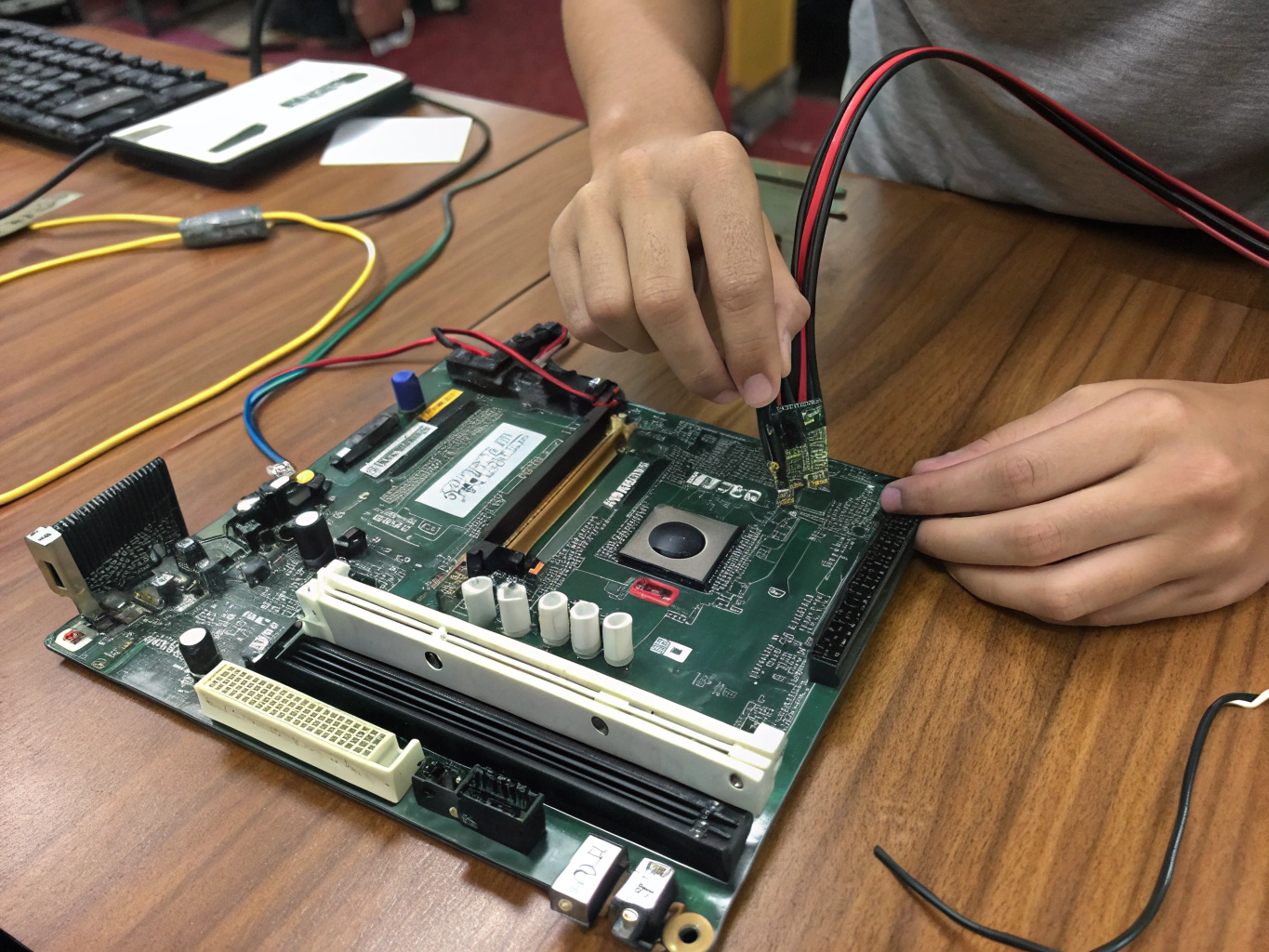
One of the simplest methods to power on a computer without the button involves shorting the power switch pins on the motherboard. To perform this action, locate pins 3 and 4 on the power switch header, typically situated near the front panel connectors. By momentarily crossing these two pins with a paper clip, a small piece of wire, or even the tip of a screwdriver, you can simulate the action of pressing the power button. It’s crucial to ensure that your computer is properly connected to power and that all components are securely in place before attempting this method.
This technique can be particularly useful for troubleshooting or when the power button shows signs of malfunction. By temporarily connecting these pins, the motherboard will interpret it as a command to boot up the system, thus bypassing the need for the physical button on the case.
Troubleshooting a Non-Functional Power Button
When the power button on a computer ceases to function, users may feel helpless. However, using a metal screwdriver to touch the power switch header pins can often resolve the issue. Similar to the paper clip method, this technique works by completing the circuit needed to power up the computer. Lightly touching the cooled tip of the screwdriver to the two header pins should initiate the start-up process, assuming all other connections within the computer are intact.
Troubleshooting the power button could also lead to identifying potential underlying issues. If the button isn’t working, it might be due to:
- A broken connection
- An internal wiring problem
In such cases, examining the internal components of the case or consulting with a hardware professional may be necessary to ensure proper functionality.
Safety Considerations When Booting Without the Power Button
While booting your computer without the power button can revolutionize your troubleshooting process, it’s essential to exercise caution. Always power down the system before making any connections within the case, and ensure that you are grounded to prevent static discharge, which can cause damage to sensitive components.
If you are unsure or feel uncomfortable performing these actions, consider seeking assistance from someone more experienced in computer hardware. Safety should always be the priority, and if the problem persists after trying these methods, a professional repair service may be the best course of action.
In conclusion, knowing how to boot a computer without the power button can empower users to resolve issues independently and effectively. By understanding the basic mechanisms at play and employing simple tools, one can easily navigate the complexities of computer hardware troubleshooting.